
Santa Rosa County Police Blotter
The Sheriff's Office posts no multi-day blotter. Its official replacement is a date-range search in SRSO Jail View. Set begin and end dates for bookings or releases. That reaches past the same-day landing list. Older cards have no guaranteed shelf life, though. A fuller picture takes several sources. Jail View holds the detention booking. Local news may keep an incident story or weekly column. The Clerk shows a filed case and its outcome, while an older booking record can be requested from its custodian. Log each source's dates separately so nothing gets tangled.
Read Santa Rosa Arrest Records
Start with the most official source. A Jail View date range can surface a booking or release. The default view may no longer list it. Note only the identifiers you need to verify a record later. An address or photograph may appear on screen. That does not mean it belongs in your notes.
- Search Jail View with begin and end booking dates for the period in question.
- Use the release-date fields if the person may have left custody during that period.
- Record the booking number, booking date, arresting agency, and court case number from a likely match.
- Search the Clerk by name and case information for filings and later disposition.
- Check dated local news archives for context, keeping the story date separate from the arrest date.
- Request the older booking or incident record from the agency that actually holds it.
Agencies split the paperwork. SRSO holds the detention record. Milton Police, Gulf Breeze Police, Florida Highway Patrol, or another agency may hold the investigative report. That report itself often sits elsewhere. A broad request sent to the wrong office just stalls the search. For arrests still inside the rolling window, use Santa Rosa County Arrests Last 24 Hours.
Santa Rosa Blotter Record Fields
No standard blotter entry format exists here. The workflow crosses jail, court, agency, and news records, so formats differ. Jail View comes closest to a structured entry with status fields. A newspaper item is editorial. It may summarize an affidavit or press release. The court docket tracks what was filed and what happened next.
| Field | How to use it |
|---|---|
| Booking number | Distinguishes the detention event and sharpens a records request. |
| Booking and release dates | Define custody timing; neither is necessarily the incident date. |
| Arresting agency | Points to the likely custodian of the incident report. |
| Charge and statute | Records the charge entered at booking, subject to later change. |
| Court case number | Connects the booking to filed court events when available. |
| Status and bond | Show a time-sensitive custody snapshot and release condition. |
| Source and retrieval date | Document when and where a dynamic item was observed. |
A booking photograph may appear in the sheriff portal or an old newspaper issue. It is simply a photo taken at booking. Nothing requires copying it to run an archive search.
Weekend Santa Rosa Arrest Reports
Bookings happen around the clock. The sources that track them follow their own schedules. Processing itself can take hours. A newspaper may publish weekly or pick stories selectively. A court filing may lag an arrest by days. SRSO posts no special weekend or holiday update schedule, so a Monday cluster is not a crime surge on its own. Trust the underlying dates instead. The incident date marks when conduct was reported. Arrest time, booking time, and publication time each answer a different question, and a retrieval time only shows when someone looked. Mix those timestamps and routine delays start to look like a trend.
Plenty happens before an online card appears. The SRSO post-arrest guide lists identity checks, fingerprints, photographs, screening, charge entry, classification, housing, and bond work as steps that can precede a finished booking entry.
Santa Rosa Arrest News Archives
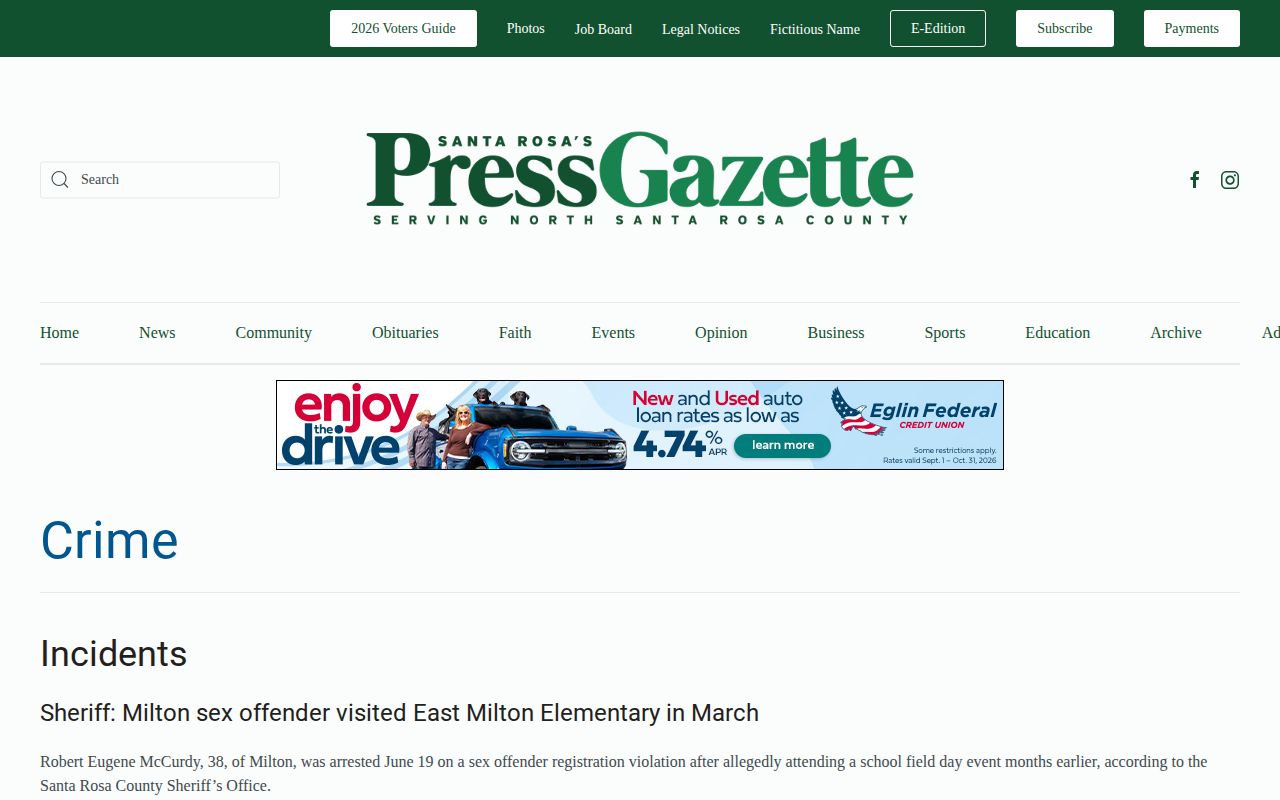
News stories fill date gaps. The Santa Rosa Press Gazette Crime page publishes agency-sourced arrest and incident reports. Its cadence is story-driven, not a complete daily roster.
Archives add context, but SRSO still settles present custody. The Navarre Press Crime Archive is paginated with dated stories. Coverage reaches Milton, Jay, Navarre, and other Santa Rosa communities. Older weekly editions carried date-grouped arrest columns. Gulf Breeze News runs weekly SRSO and Gulf Breeze Police report sections. South Santa Rosa News posts individual stories. These outlets preserve editorial history, not an official all-arrest sequence.
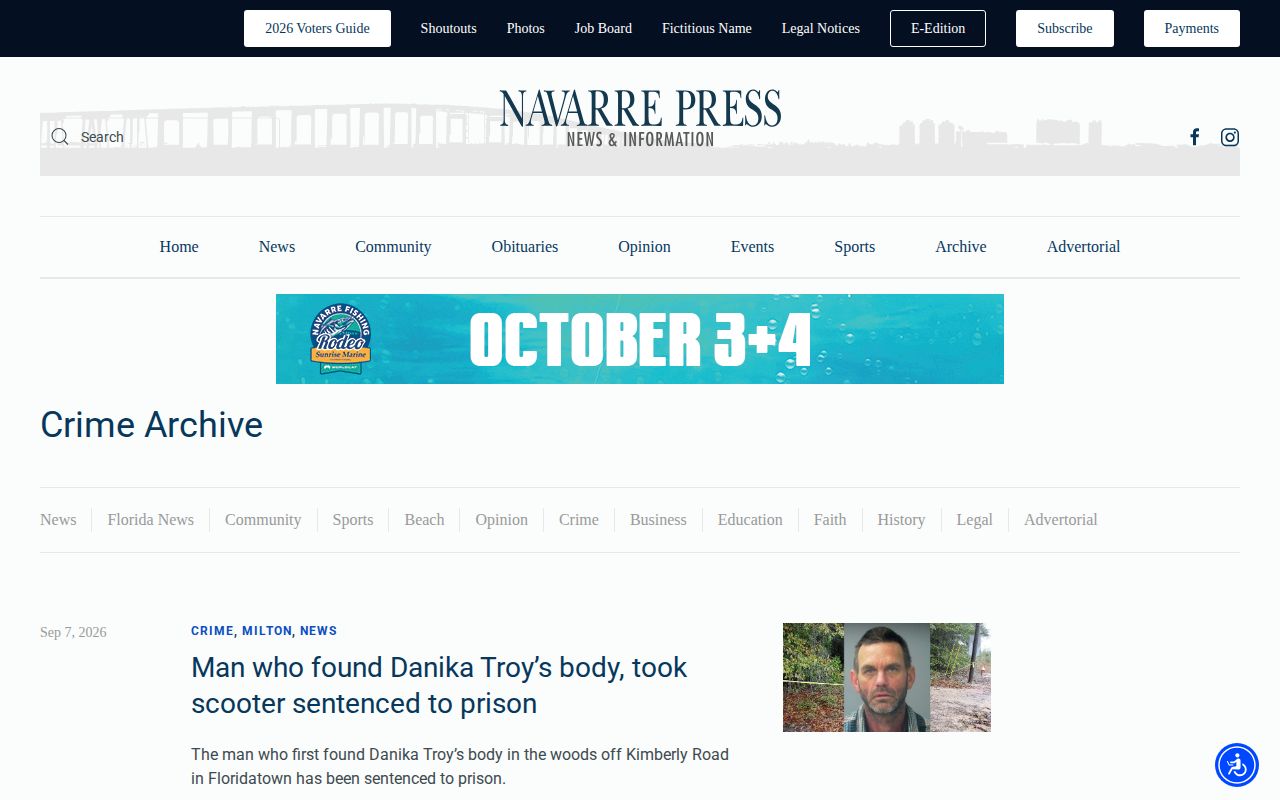
Pagination hints at how deep the archives go, and why a story's date is not a booking date.
Unofficial Santa Rosa Booking Copies
Third-party sites can help once official sources are exhausted. RecentlyBooked keeps a recent 30-day Santa Rosa page. BustedNewspaper and Muglist hold county or month-based collections. Other regional sites may carry copied records. None is a government blotter, and their photos, charges, custody labels, and timestamps may be stale, incomplete, or wrong. The RecentlyBooked Santa Rosa page shows how an unofficial publisher organizes a multi-day county copy.
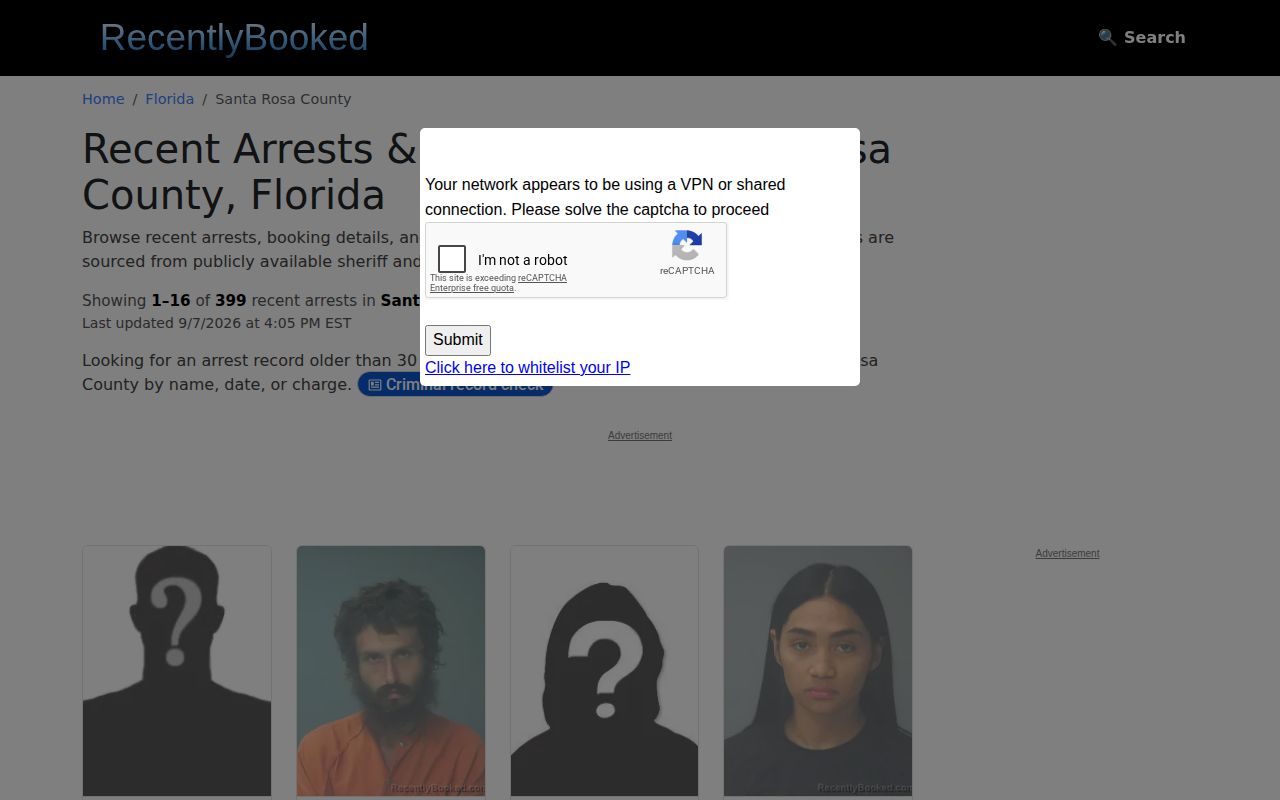
Treat any copy as a lead. Confirm the booking with SRSO. Confirm the outcome with the Clerk. A missing third-party result proves nothing, and an old copied card does not prove current custody. A publisher's "latest" label reflects its own schedule, not SRSO's refresh rate.
Request Older Santa Rosa Arrests
Florida decides how long a record survives by its series, its content, and its purpose. That schedule does not hinge on a web card. SRSO posts no fixed Jail View retention window. A card can roll off the public site while the arrest still lives on in an agency file, a court docket, or a news story. That never means the record was sealed.
When you need older Santa Rosa arrests, go straight to the source. File a focused request through SRSO JustFOIA. You can also call SRSO Records at 850-983-1268. State plainly that you are asking for one specific booking record already on file. Give the person's name, the booking date or a date range, the booking number if you have it, the arresting agency, and exactly which fields you want released. City police handled the incident? Send that department its own incident-record request separately, since the sheriff cannot release another agency's paperwork.
For case history, use the Santa Rosa Clerk public-record search; certified or archival court material may go through the Clerk Archives Division, and an uncertified screen is not the same as a certified document.
Santa Rosa County Sheriff's Office5755 East Milton Road
Milton, FL 32583
Records: 850-983-1268
Jail: 850-983-1120
Note: Keep source, arrest, booking, release, publication, and retrieval dates distinct whenever your notes span more than one day.
Santa Rosa Arrests Need Dispositions
An arrest log marks the start of a case, not its end. The Clerk record holds what happened next. Follow the case number there once charges are filed. Common names trip people up, so compare the full entry against the booking or court file before trusting a match. A clerk's docket beats a headline. News copy sometimes gets details wrong. When it does, ask the outlet that published the error for a correction. Verify against the government record. That habit keeps your Santa Rosa arrest search tied to the official file rather than secondhand summaries.
- Arrest
- A law-enforcement action based on alleged conduct, not a conviction.
- Booking
- The jail's intake process and record.
- Release
- Departure from local custody, which does not itself resolve the case.
- Disposition
- The court's recorded outcome.
Search Public Records
Search with exact names and dates. Confirm with the record's agency or court. Save the booking number and the publication date so a later check can tell a copied entry from the official court outcome.
Sponsored Results